Photos?

Exact same process as you do on this forum. Do you know how to do it here? Manage attachments, browse for photo etc.
 
The problem most people have is trying to post photos that are too large. Set your camera to the lowest resolution possible. Alternatively, use software to reduce the size of the photos. Place your camera card in your computer (or save your photos to your computer). With the correct size photos after you type your text you should be able to go down the page to "Additional Options","Attach Files", "Manage Attachments", "Choose File". Try this and see if it solves your problem.

Charlie Stephens
 
The problem most people have is trying to post photos that are too large. Set your camera to the lowest resolution possible. Alternatively, use software to reduce the size of the photos. Place your camera card in your computer (or save your photos to your computer). With the correct size photos after you type your text you should be able to go down the page to "Additional Options","Attach Files", "Manage Attachments", "Choose File". Try this and see if it solves your problem.

Charlie Stephens

Charlie Stephens .........................
Your photos must be re-sized down to, at most, 800 pixals wide. Any larger and the process will just hang up and not tell you why.
MIKE
 
I simply download my photos to PhotoBucket, without doing anything to them...no re-sizing needed. Then I just click on the photo I want to use, and on the right hand side are several image options.....I use the one labeled "image code"...I click on that, then go to Fordbarn and the reply window, and use "control v" to insert the image...it will not be visible until you hit submit or reply. I use several forums and Photobucket works great on all of them.
 
I simply download my photos to PhotoBucket, without doing anything to them...no re-sizing needed. Then I just click on the photo I want to use, and on the right hand side are several image options.....I use the one labeled "image code"...I click on that, then go to Fordbarn and the reply window, and use "control v" to insert the image...it will not be visible until you hit submit or reply. I use several forums and Photobucket works great on all of them.

BINGO!!!!!!!!!!!
The only way to fly. No need to set the resolution low on your camera and take inferior pics. I just click on the image code then just hit paste in my post though
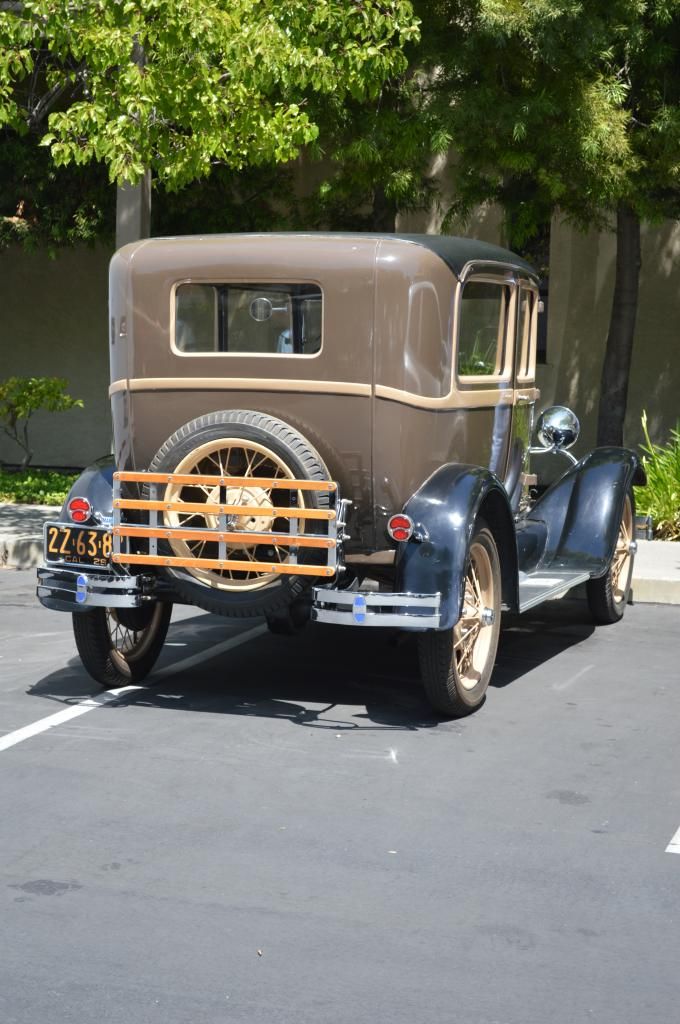
 
Only problem with using Photobucket is that my computer at work delets all those pictures. I have to wait till I get home to see them.:(
 
BINGO!!!!!!!!!!!
The only way to fly. No need to set the resolution low on your camera and take inferior pics. I just click on the image code then just hit paste in my post though

I have a Canon 5d camera that is rated at 21.1 megapixels and that is where it is usually set. If I am taking pictures specifically to post I change the resolution in the camera or afterwards with editing software. My concern with hosting sites is that eventually they will change and mess things up or decide to delete photos after a certain period of time. I would like to think the photos added directly to fordbarn will remain as long as the site is is existence.

Charlie Stephens
 
I'm still trying to figure out how to post pictures... If these go through, here are a couple of pictures of our '28 roadster, our '29 touring car, and '29 mail truck before dis-assembly and a second run at re-restoring the uncompleted restoration started by my father some 40 years ago. Not real sure how to enlarge these photos - still experimenting ... Thanks for your patience.

Dick
_____________________________

2012-11-27%2017_41_30.jpg


2012-11-21%2014_25_50.jpg


2012-11-27%2017_37_45.jpg
 
I store my pictures at photo bucket and blue melon, NO resizing needed. I first left click the reply window. I then minimize by left clicking on the minus symble in the right upper corner of the screen. This removes the page and the name of the thread goes to the bottom of the page. I then go to the site that my pictures are stored. I chose the picture that I want to post. I then right click on the picture of choice and a list of choices pops up. I then left click copy in the list of choices. I then left click the name of the thread that I minimized at the bottom of the screen and the the reply window appears on the screen. I then right click the reply window and a list of choices will appear. I then right click on paste in the list of choices and the picture will appear in the reply window. If you are using photo bucket you may have to scroll up to see the picture. I then left click on post reply and its done. There may be easier ways to post pictures, this is just the way that I do it.
 
To post pictures here is what I do.
While viewing the picture on your computer at the top there should be an "open" option in the menu bar.
Click on that and it should give you some options for what program you can use. I use Microsoft Office Picture Manager.
Click on that and it will open the picture using that program.
Select "edit pictures"
A menu opens on the right side of the screen and in it select "resize"
Another menu will open on the right side and in it click on the arrow located to the right side of the "Predefined width x height" box.
Select "Web large" then click "ok"
Save it by clicking on "File" at the top left corner of your screen and select "Save as"
Select what location / folder you want to save it in and then change the file name to something like A001 etc... If you don't do this your original picture will be changed to a smaller size and once that happens it can not be made bigger.
Click “Save”
Once you have it saved in the smaller size you can post it with no problems.
 
I also like the photobucket option.

The pic is auto loaded, no need to click each and every pic in turn and wait for them to appear.

Maybe a problem for dudes on dial up or high pay per meg download tho, who don't want the full size pics to auto load.
 
Back
Top
