
You are using an out of date browser. It may not display this or other websites correctly.
You should upgrade or use an alternative browser.
You should upgrade or use an alternative browser.
Put a picture on a thread?
- Thread starter wspiker
- Start date


40cpe
Well-known member
As said, click on blue "Post Reply" button after last post in the thread. Down below the text box that appears is a red line titled "Additional Options". Below that red line is a window titled "Manage Attachments". Click on the window and a 'Choose File" box appears. Click "Choose File" and add pictures from your computer, then click on "upload". I use the 600x400 size to upload. Once uploaded, you can click on "Preview Post" to see if the picture will be present when posted.


deuce lover
Well-known member
When you click on "post reply" a new message box window comes up .Inside the upper part of that box is a large A then to the right is a smiling face-to the right of that is the paper clip.

Old Henry
Well-known member
If you've ever got a picture that you'd like to show bigger you can do that by uploading your picture to PhotoBucket, copying the Direct URL of the photo, clicking on the yellow "insert image" icon just below and to the right of the paper clip,
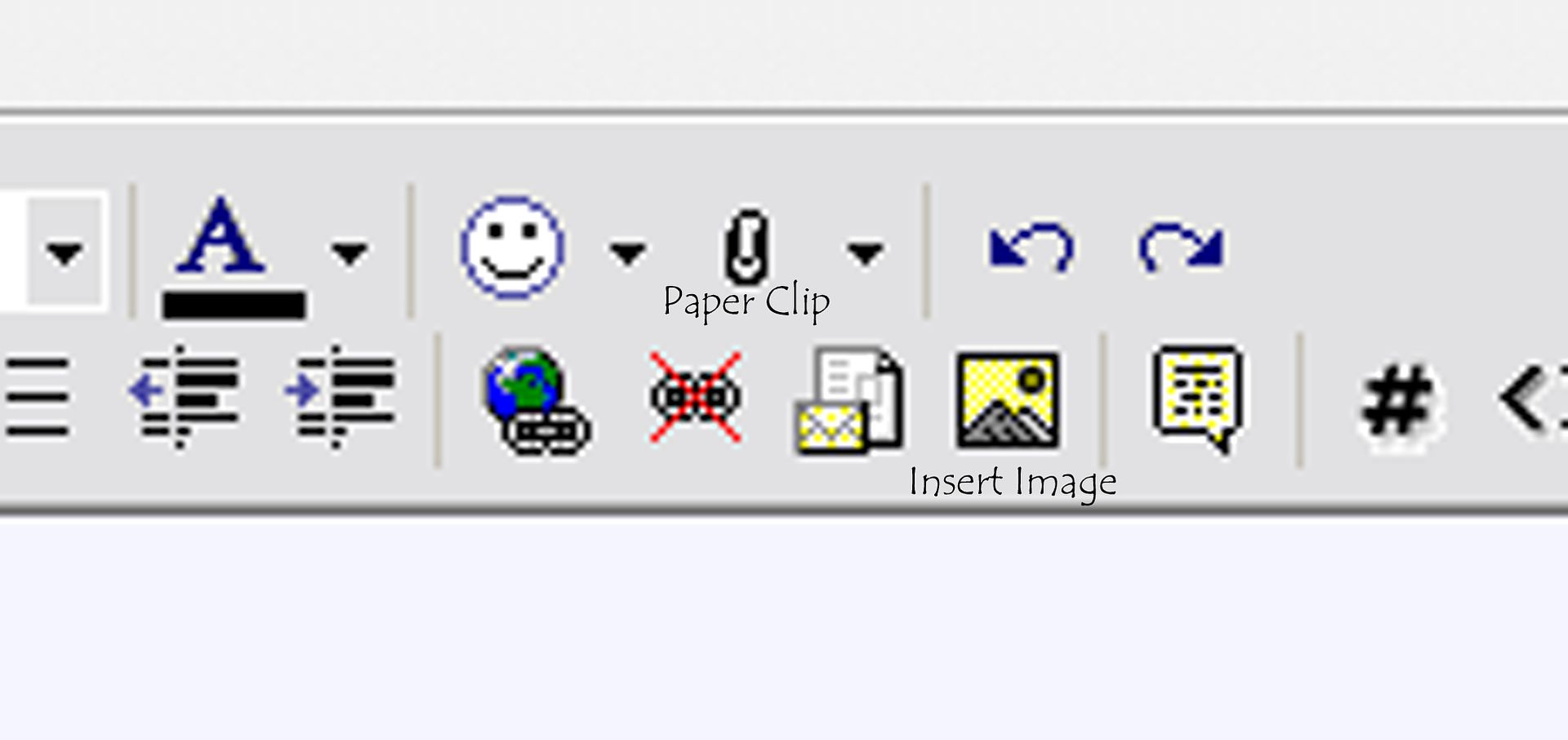
pasting the link to your picture in that box and clicking OK. That will show a picture this size without having to click on a thumbnail:
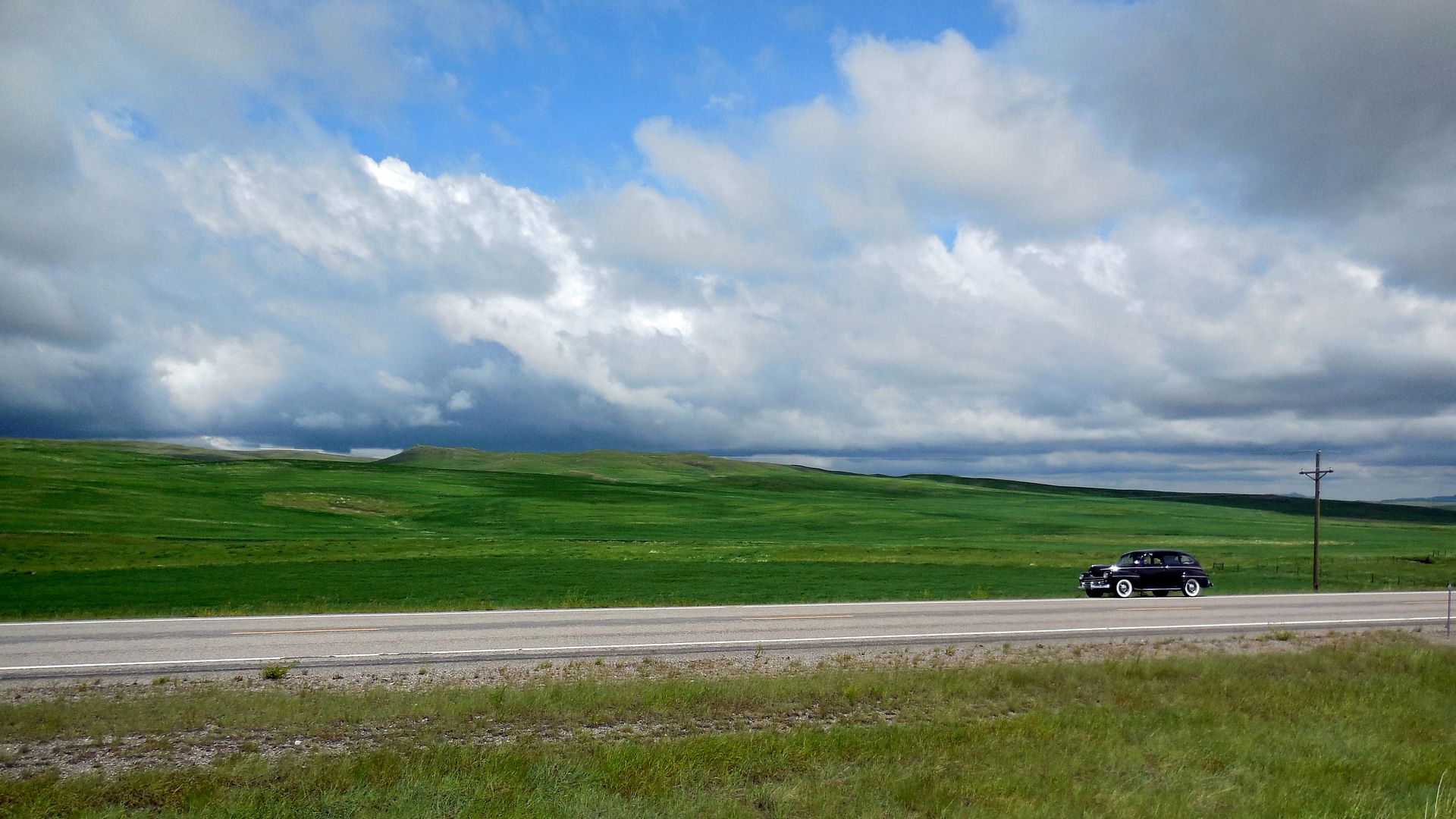
pasting the link to your picture in that box and clicking OK. That will show a picture this size without having to click on a thumbnail:
Last edited:
40cpe
Well-known member
When you click on "post reply" a new message box window comes up .Inside the upper part of that box is a large A then to the right is a smiling face-to the right of that is the paper clip.
I see it now, thanks.

RalphG
Well-known member
Ok, now I see the paper clip too. It gives the same results as using the "manage attachments" window below so I guess there are two methods to get the same results. Photobucket works well too but they have become pretty heavy with ads when using the site.I see it now, thanks.
Attachments


