
You are using an out of date browser. It may not display this or other websites correctly.
You should upgrade or use an alternative browser.
You should upgrade or use an alternative browser.
posting pictures
- Thread starter tblossom
- Start date

19Fordy
Well-known member
If your photos are already on your computer this will work:Someone please give me a refresher course on posting pictures. Have not done it in a year or so. Thanks, Tom
www.tinypic.com You select the photo you want using tinypic site and then you paste it on Fordbarn thread. Use message board size.

JM 35 Sedan
Well-known member
Tom, here's what I do to post pictures here on Fordbarn. Click on "Go Advanced". There will be a paper clip shown at the top. Click on that and a "Manage Attachments" window will come up. Clicking on the top browse will allow you to go to your computer files and select a picture you would like to attach. Click on that picture and then go to the bottom right of your screen and click "Open". This will bring the file for that picture into the browse box. You can then click on next browse box and add another file. You can load up to seven files and then you would click on upload. Once these pictures are uploaded, you will get more browse boxes if you would like to attach more pictures. I'm not sure what the limit would be for the number of pictures you can attach in this method.
Then another method to post pictures would be to click on the little yellow "Insert Image" picture below and to the right of the paper clip and this will bring up a window that will allow you to post pictures from a photo hosting site like Photobucket or Picturetrail. I use Photobucket. I usually open my Photobucket account under a "New Window" and go to the picture I want to post. I copy the "Direct Link" for that picture and then go back to the other window that has a box that says..."Please enter the URL of your image:" Right click on the highlighted area that has http:// and paste in the direct link URL that you copied from Photobucket. Then click "ok" and your picture will appear below your message. You can go back to Photobucket and copy more picture files and add those in the same way. Again, I'm not sure what the limit would be. Then you can "Preview Post" to see what you have and if all looks good click Submit to post your message with pictures. This method gives the large pictures while the first method gives the smaller attachments that viewers can click on to enlarge. That's all there is to it . I'm sure there are many other ways to skin the cat, but this is how I do it. Give it a try and good luck!
Then another method to post pictures would be to click on the little yellow "Insert Image" picture below and to the right of the paper clip and this will bring up a window that will allow you to post pictures from a photo hosting site like Photobucket or Picturetrail. I use Photobucket. I usually open my Photobucket account under a "New Window" and go to the picture I want to post. I copy the "Direct Link" for that picture and then go back to the other window that has a box that says..."Please enter the URL of your image:" Right click on the highlighted area that has http:// and paste in the direct link URL that you copied from Photobucket. Then click "ok" and your picture will appear below your message. You can go back to Photobucket and copy more picture files and add those in the same way. Again, I'm not sure what the limit would be. Then you can "Preview Post" to see what you have and if all looks good click Submit to post your message with pictures. This method gives the large pictures while the first method gives the smaller attachments that viewers can click on to enlarge. That's all there is to it
. I'm sure there are many other ways to skin the cat, but this is how I do it. Give it a try and good luck!
Attachments


Last edited:

mrtexas
Well-known member
Someone please give me a refresher course on posting pictures. Have not done it in a year or so. Thanks, Tom
Like JM 35 Sedan said, one way is to have to have an account on a photo hosting website like photobucket or some other one. Load the picture to the hosting website and then insert a link like the following(won't show a picture just posted to show you what the link should look like, BTW I deleted a beginning bracket and an ending bracket so the link would show up for you.)
IMG]http://i371.photobucket.com/albums/oo153/pjsauber/39Shifter.jpg[/IMG
Here is the picture:


Old Henry
Well-known member
Here is a thread started a month ago on this subject with more details:
http://www.fordbarn.com/forum/showthread.php?t=22181&highlight=pictures
http://www.fordbarn.com/forum/showthread.php?t=22181&highlight=pictures


JM 35 Sedan
Well-known member
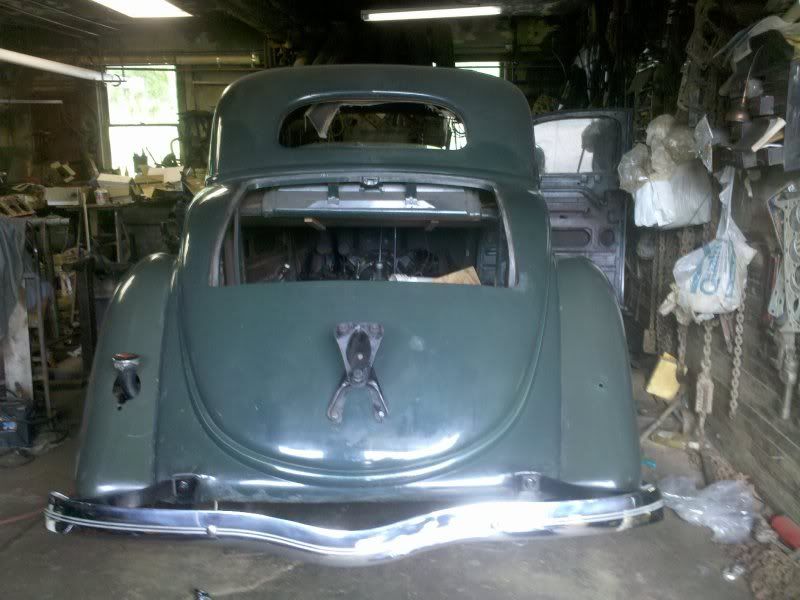
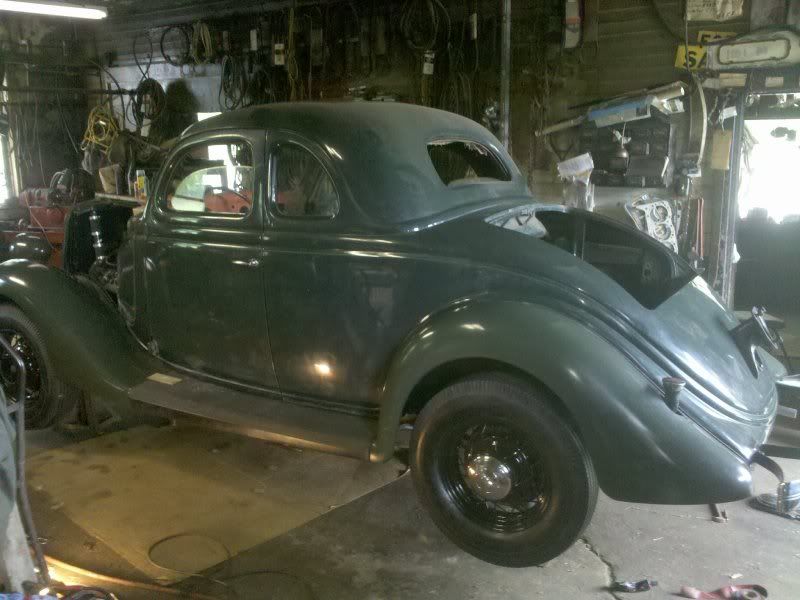
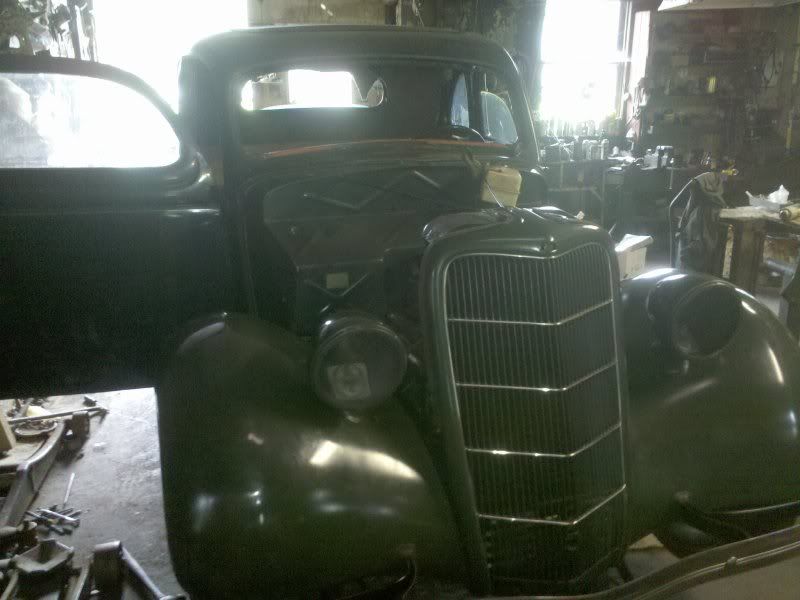
Nice 35 coupe John, is that your current project?
No, unfortunately, that's not mine. That belongs to a friend who is 89 years old. It was disassembled over 30 years ago and changed hands several times while in pieces before my friend bought it. In the process many parts were lost. However, all the sheetmetal, body, floors, etc., are pristine original with no dents or rust when he got it. It's slowly going back together. The right side lower RS step was missing. I've been trying to get a step or complete taillight w/step for him for the last year.
Now I'm happy to say, the fordor sedan is mine.