posting multiple pictures minor issue

Paul

Member
when attaching photos from a host site the image is displayed in the preview window, unlike on the HAMB where the inserted image is in the host's url text format

the full sized image in the preview makes it a bit awkward when posting multiple images or adding text after an image...

can anything be done about this?
 
Paul states :"full sized image in the preview makes it a bit awkward when posting multiple images or adding text after an image..." after the pic is URL'ed into the space provided by clicking on the yellow black mountain and black sun icon, place and click your curser right at the end of the pic.

Hit 'enter' to place a 'space' between the pic and the next line of text. Then hit the yellow/black mountain/black sun icon above the message box again to place another pic or just keep typing away. It's a little tough to place that first winking curser right next to the picture URL I'll agree. Pratice..

skip.
 
Last edited:
Paul states :"full sized image in the preview makes it a bit awkward when posting multiple images or adding text after an image..." after the pic is URL'ed into the space provided by clicking on the yellow black mountain and black sun icon, place and click your curser right at the end of the pic.

Hit 'enter' to place a 'space' between the pic and the next line of text. Then hit the yellow/black mountain/black sun icon above the message box again to place another pic or just keep typing away. It's a little tough to place that first winking curser right next to the picture URL I'll agree. Pratice..

skip.

that's how I have been doing it,
and precisely my point
it's slow and awkward
 
Posting multiple pics test.


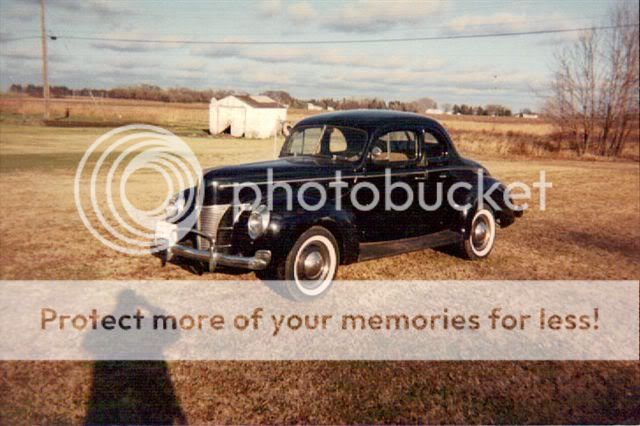
my '40 cp
40Deluxecp.jpg


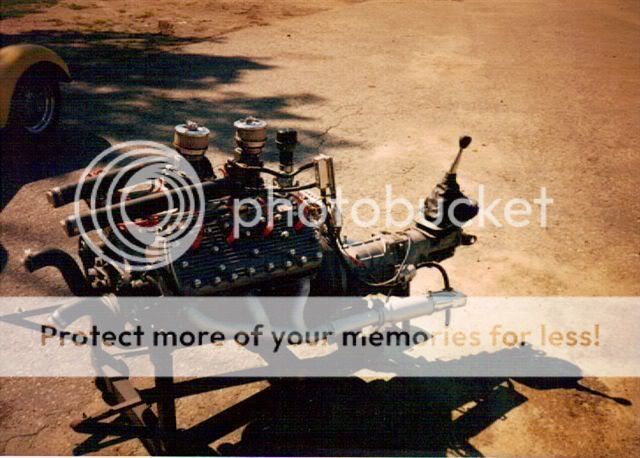
The 286 Flattie in my race car

FlatheadwithMerccrank2potsallumhead.jpg


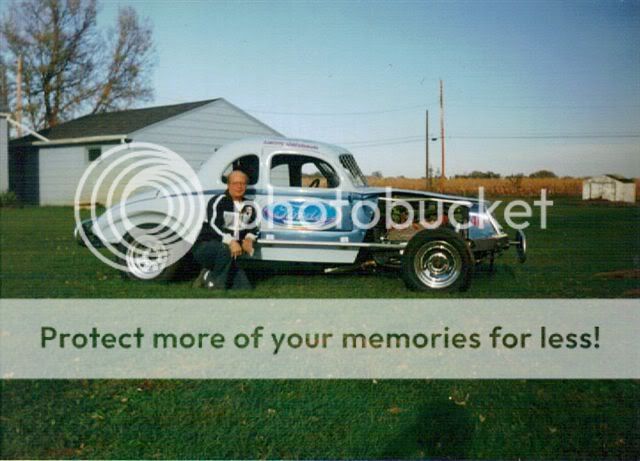
My '40 Race car
40Fordstockcar1.jpg
 
Last edited:
Back
Top