
You are using an out of date browser. It may not display this or other websites correctly.
You should upgrade or use an alternative browser.
You should upgrade or use an alternative browser.
Posting a picture
- Thread starter Brian T
- Start date
Charlie Stephens
Well-known member
Tiny,Just sent you a PM. Let me know if that worked
I have the same exact question. Please post what you sent.
Charlie Stephens

Tiny
Well-known member
I use photobucket for all of my photos. Its just copying and pasting the IMG address into the message. I've never figured out how to post pics using the sites method, there is lots of re sizing and such involved. I like photos with the highest resolution possible. Photobucket allows that and its free. I just cut and paste an address an like magic a photo appears.
Like this:
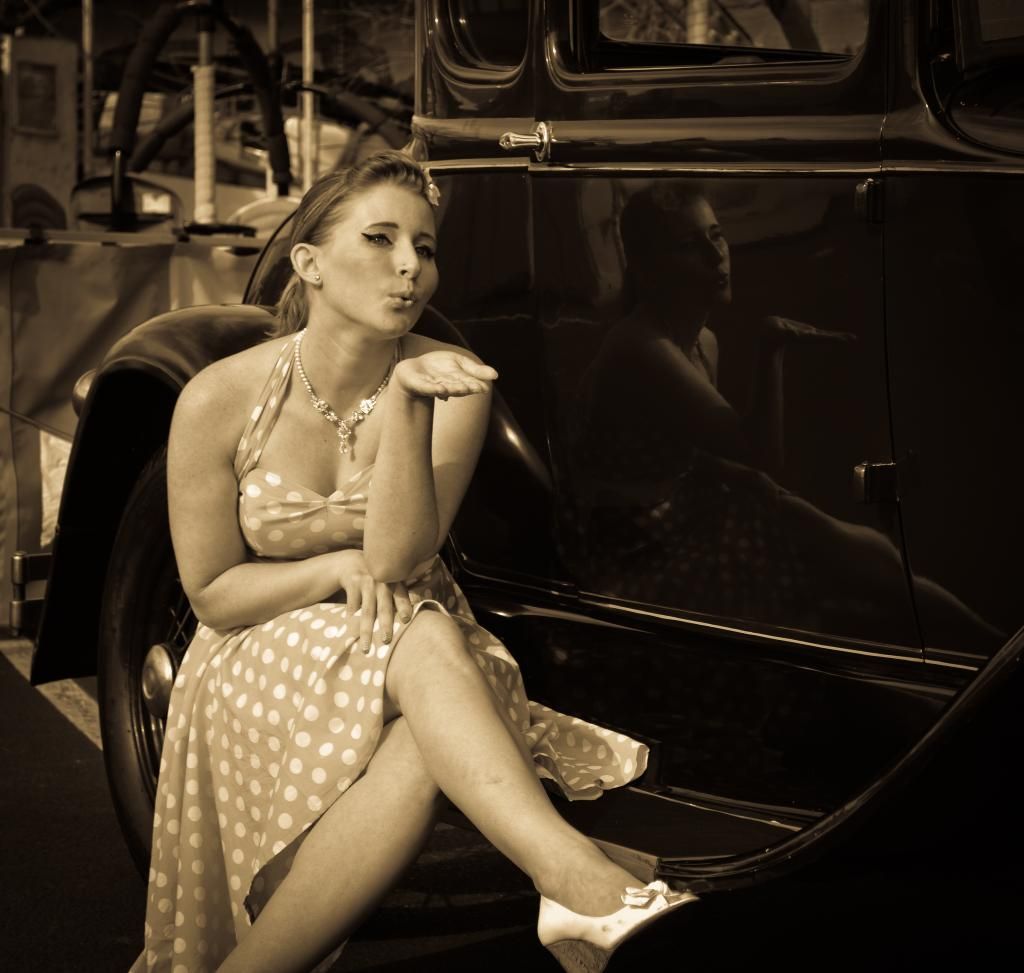
Like this:


Tiny
Well-known member
Some don't like Photobucket for a variety of reasons. I've never had a problem and its nice to be able to access your photos from any computer.
Carl that stinks that you are blocked at work. I guess they want you to be working
I like it because of the quality and no little thumbnails
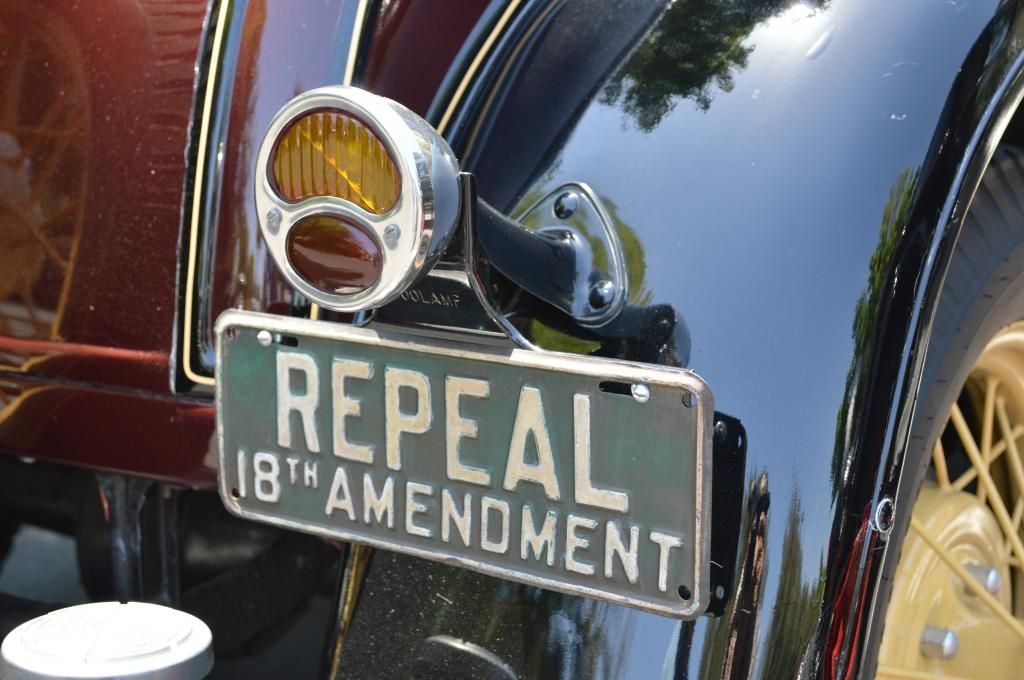
Carl that stinks that you are blocked at work. I guess they want you to be working
I like it because of the quality and no little thumbnails


Brian T
Well-known member
Ok Pooch,
Now that works great, I just posted your Avatar to a PM, and then the 35 Ford ? --- in your other post, however it will not work directly from my picture files, ---- it will let me post a picture from my album here on Fordbarn, I am thinking that it must be the file system that my pictures are in, I will keep playing, I do have Photobucket , but do not use it often as when deleting some pictures they are closed where ever there posted to.
Now that works great, I just posted your Avatar to a PM, and then the 35 Ford ? --- in your other post, however it will not work directly from my picture files, ---- it will let me post a picture from my album here on Fordbarn, I am thinking that it must be the file system that my pictures are in, I will keep playing, I do have Photobucket , but do not use it often as when deleting some pictures they are closed where ever there posted to.
Last edited:

pgerhardt
Well-known member
Here is a link to a thread I started with illustrated step by step instructions on how to post pictures here on the Barn.
http://www.fordbarn.com/forum/showthread.php?t=166143
http://www.fordbarn.com/forum/showthread.php?t=166143
Brian T
Well-known member
Here is a link to a thread I started with illustrated step by step instructions on how to post pictures here on the Barn.
Thanks for your reply, However I am not having a problem posting pictures in a thread, the problem is posting to a PM, see my post to Pooch above, the problem seems to be the format of the pictures in my files.

Y-Blockhead
Well-known member
Brian I use Flickr. Just copy and past the BBCode in your PM or Post.

Hermosa Beach, CA.
(Just sent you a PM)
Hermosa Beach, CA.
(Just sent you a PM)


pgerhardt
Well-known member
Here is a link to a thread I started with illustrated step by step instructions on how to post pictures here on the Barn.
Thanks for your reply, However I am not having a problem posting pictures in a thread, the problem is posting to a PM, see my post to Pooch above, the problem seems to be the format of the pictures in my files.
It is the same procedure, Just click on the "go advanced" button to get the option of managing attachments.
