
You are using an out of date browser. It may not display this or other websites correctly.
You should upgrade or use an alternative browser.
You should upgrade or use an alternative browser.
Post picture
- Thread starter Carb Guy
- Start date


skip
BANNED
Carb Guy:~{
OPPS! You used the PHOTOBUCKET 'HTML IMG Code'. Wrong. You have the right PHOTOBUCKET idea but the wrong picture code.
Use the 'Direct Code' and paste it in that space provided by clicking on that YELLOW BOX WITH THE BLACK MONTAIN AND BLACK SUN found on the header of every message box that creates a post when submitted. Look up. Click the yellow icon.
You will have to delete that HTTP:// that appears in the space.
Then right click and paste the direct picture code in the space.
You will see the image you want instantly as it will show when you submit your reply.
So go back to your post [#2] and click edit. That allows you to then click on that yellow icon and that puts a window right in the middle of your post. Put your URL Direct Code in this window after you highlite and blow away the HTTP:// Click your curser in there and right click paste. You pasting in the copied URL DIRECT CODE right from PHOTOBUCKET.
skip.
OPPS! You used the PHOTOBUCKET 'HTML IMG Code'. Wrong. You have the right PHOTOBUCKET idea but the wrong picture code.
Use the 'Direct Code' and paste it in that space provided by clicking on that YELLOW BOX WITH THE BLACK MONTAIN AND BLACK SUN found on the header of every message box that creates a post when submitted. Look up. Click the yellow icon.
You will have to delete that HTTP:// that appears in the space.
Then right click and paste the direct picture code in the space.
You will see the image you want instantly as it will show when you submit your reply.
So go back to your post [#2] and click edit. That allows you to then click on that yellow icon and that puts a window right in the middle of your post. Put your URL Direct Code in this window after you highlite and blow away the HTTP:// Click your curser in there and right click paste. You pasting in the copied URL DIRECT CODE right from PHOTOBUCKET.
skip.
Last edited:


John in SATX
Member
Mitch,
Are you putting your http URL in the little box that comes up when you click on the little yellow mountain box above in the header? Try that and see if it works.
Here is a sample of the URL put in the box.
We are all learning, hang in there, John
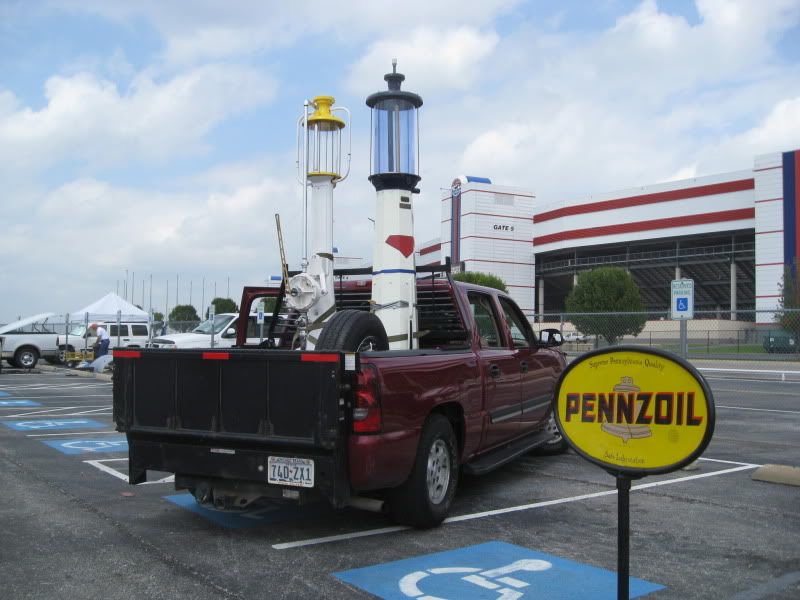
Are you putting your http URL in the little box that comes up when you click on the little yellow mountain box above in the header? Try that and see if it works.
Here is a sample of the URL put in the box.
We are all learning, hang in there, John
roadsterman32
Senior Member
how do I find the url and what does that permit this site to do? access my computer? first time trying to post pics on a for sale thread. Any help greatly appreciated.
Charlie Stephens
Well-known member
We need more information. I don't like to post from a photo hosting site, it seems to create more problems than it solves. Where are your photos (your computer)? What kind of computer do you have (MAC, PC)? What software are you using (photos from MAC, or something from a PC)? If I know how to work with what you have I will respond, if not I hope someone else will.how do I find the url and what does that permit this site to do? access my computer? first time trying to post pics on a for sale thread. Any help greatly appreciated.
Charlie Stephens