
You are using an out of date browser. It may not display this or other websites correctly.
You should upgrade or use an alternative browser.
You should upgrade or use an alternative browser.
pictures
- Thread starter G.M.
- Start date

expavr
Well-known member
I'm formatting my pictures to 640X480 pixels in the "Edit" part of Photoshop for all internet emailing including Fordbarn. Using this process results in an uploadable photo size of 60KB-80KB depending on the content of the original photo. It may be possible to send a picture with more pixels using a zip file or a service such as Photobucket, but I'm not familiar with that technique.


Old Henry
Well-known member
i don't know, it just works for me, i took this of my pickup then posted it on photobuckit then to hear
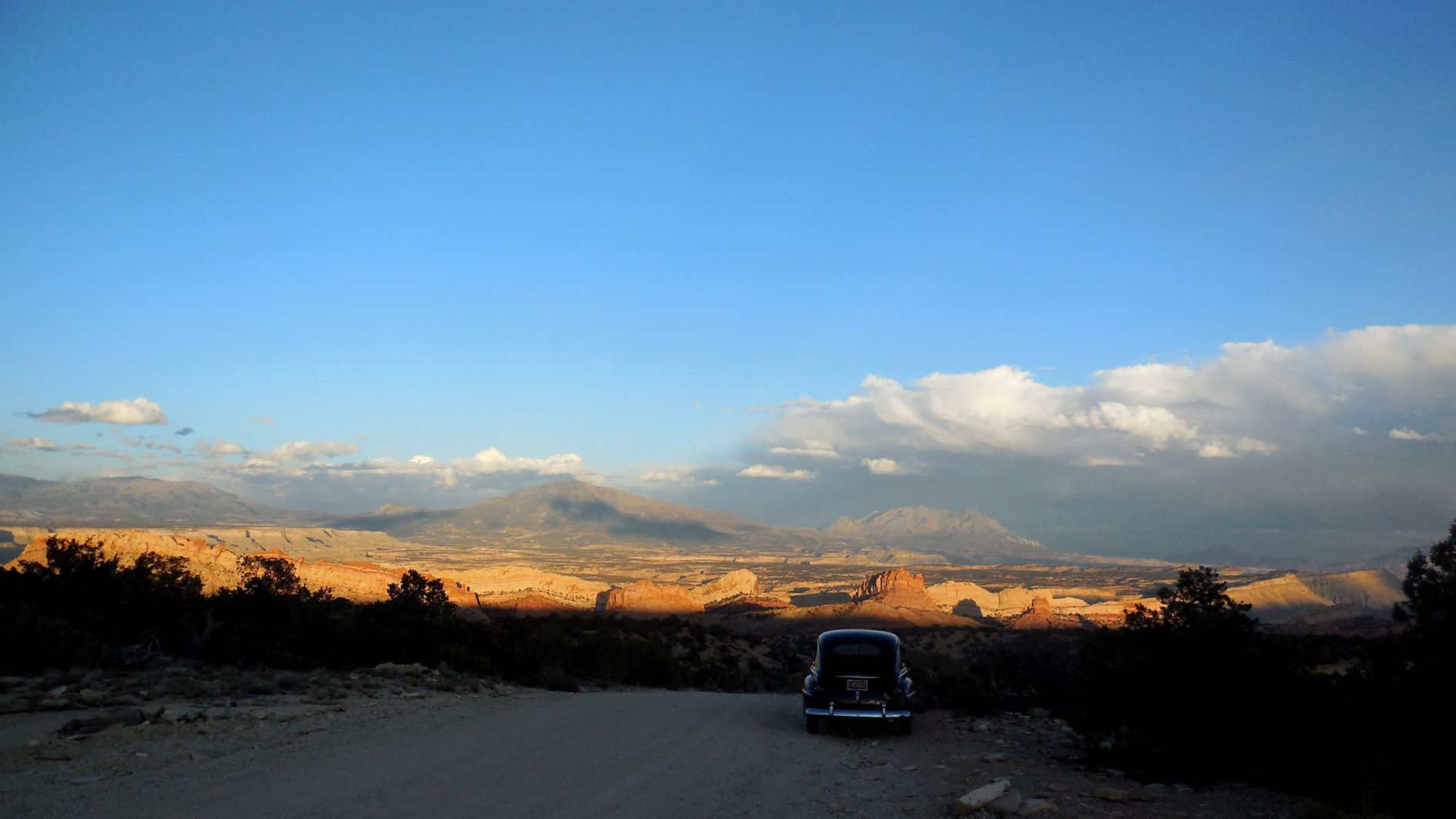
That's what I do too. That way the picture appears full size in the post instead of a small thumbnail that only enlarges to a medium picture. I don't have to reduce the size of my original. When I upload it to PhotoBucket they reduce it to their maximum size automatically and that's the size that gets posted here. I can even post a link to the picture that if you click on the magnifying glass at the bottom right corner then again it will fill your screen: http://s1059.photobucket.com/user/c...13/DSCN1813-R_zps88e8a662.jpg.html?sort=4&o=1 (I think I'll start doing that on my future slide shows.)
Last edited:
I didn't have any problem with my old point and click $50.00 Kodak camera. But I bought a $300.00 Nikon to take interior room pictures to get a full view picture to post on Zillow. Now the pictures are 5k mega bites instead of 500. By reducing the stored size it gets them down to uploading size. G.M.


Brendan
Well-known member

FlatheadTed
Well-known member


 (mikeburch)
john in illinois
Well-known member
I can put pictures on photobucket or in my pictures on the computer. When I use "manage attatchments" I only get thumbnails. How do you post a large picture?
John
John
Old Henry
Well-known member
I can put pictures on photobucket or in my pictures on the computer. When I use "manage attatchments" I only get thumbnails. How do you post a large picture?
John
1. Go to your photobucket page and view your library
2. Move your pointer over a picture you want to post on the FordBarn
3. A little gear will show up in the top right corner of the thumbnail
4. Move your pointer over that gear and a menu will pop down.
5. Click on "Get Links"
6. Click in the "Direct" box and the URL there should turn yellow and say "Copied.
7. Now go to the your post on Ford Barn where you want to post the picture.
8. In the "Reply to Thread" window click on the "Insert Image" icon above where you type (the yellow square with the mountain in it.)
9. Right click on the partial URL that's highlighted and paste your picture URL in its place.
10. Click "OK" and your picture should show up full size in your post.

Randy in ca
Well-known member
Personally I prefer the "thumbnail" method, where the pictures are uploaded directly to Fordbarn. Once there, the pictures will be around as long as Fordbarn itself is around (at least this version of it). I find it very frustrating looking at older threads and finding that many of the pictures are no longer there due to some kind of problem or change with the hosting site. Often the pictures were of more value than all of the comments. Not a great problem with Fordbarn yet, but then this version has only been around for less than 4 years. On sites like the HAMB that have been around for quite awhile, many of the older threads have nothing but icons showing that pictures were originally there, but are no more because of changes to the hosting site, members editing their files or failing to maintain them, etc.. A picture paints a thousand words and many of these older threads have little value without them.


38 Ford Pickup
Senior Member
Just Love that 37
Fantastic
Fantastic