
You are using an out of date browser. It may not display this or other websites correctly.
You should upgrade or use an alternative browser.
You should upgrade or use an alternative browser.
picture posting
- Thread starter oldford2
- Start date


Frank The Plumber
Well-known member
this is brutal, cant get pictures up


51 MERC-CT
Well-known member
Still trying, How to get from Photobucket to here? Thanks
This has worked for me for single pic.
In Photobucket highlight and copy DIRECT LINK under pic.
Paste into Fordbarn as shown


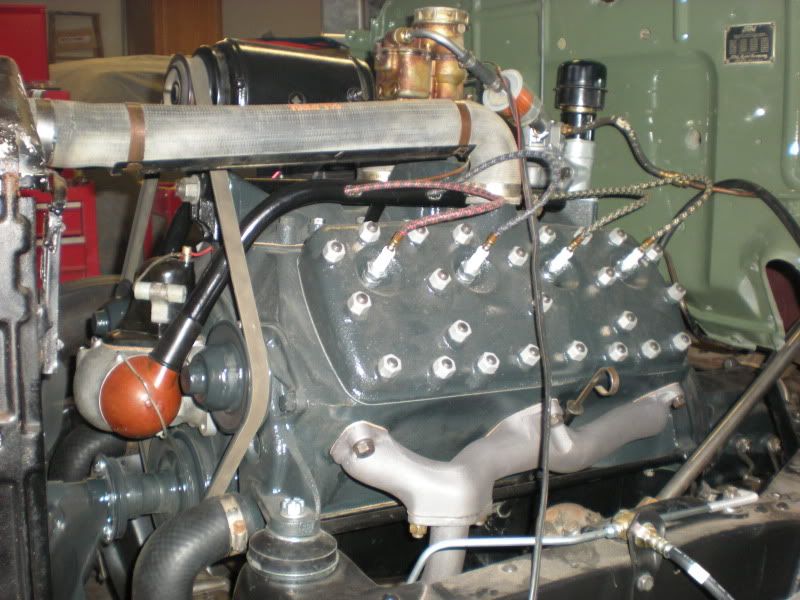


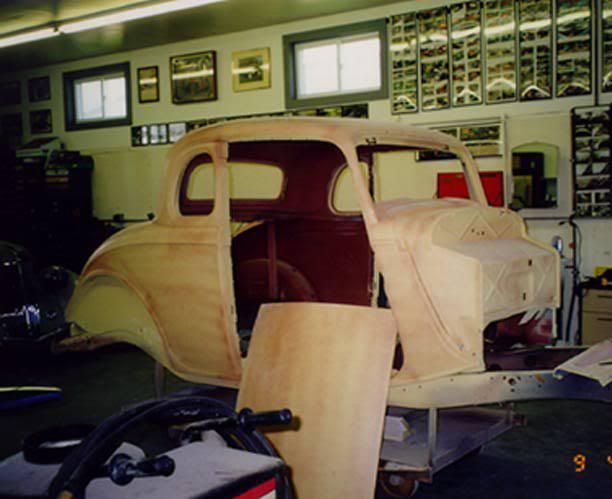

Mike in AZ
Well-known member
This has worked for me for single pic.
In Photobucket highlight and copy DIRECT LINK under pic.
Paste into Fordbarn as shown
hmmm..clicking on that box doesn't "open" anything....what am i doing wrong??.....sigh.....


Lanny
Well-known member
=======================================================hmmm..clicking on that box doesn't "open" anything....what am i doing wrong??.....sigh.....
To post a picture from PhotoBucket, Left Click on IMG Code under the picture,
then right click on the blue highlited part and it should copy,
then just post it in the thread.

Mike in AZ
Well-known member
=======================================================
To post a picture from PhotoBucket, Left Click on IMG Code under the picture,
then right click on the blue highlited part and it should copy,
then just post it in the thread.
tried that and previewed my post....doing what you suggest posts a link to the photo....but went over to the HAMB and there were more instructions for posting photos...so can post photos(i hope)....but am curious how that "insert image" is supposed to open, other than clicking on it....thanks
Last edited:
51 MERC-CT
Well-known member
hmmm..clicking on that box doesn't "open" anything....what am i doing wrong??.....sigh.....
Left click?
51 MERC-CT
Well-known member
=======================================================
To post a picture from PhotoBucket, Left Click on IMG Code under the picture,
then right click on the blue highlited part and it should copy,
then just post it in the thread.
That works also

Mike in AZ
Well-known member
=======================================================
To post a picture from PhotoBucket, Left Click on IMG Code under the picture,
then right click on the blue highlited part and it should copy,
then just post it in the thread.
Lanny, I owe you an apology for not reading your instructions more closely....i tried by using the "direct link", rather than the "img code".....works fine when i finally followed your instruction....thanks....but still can't open that "insert image"....
....will figure it out....click, double click, right click....nada...lol...just a boop sound.....Mike