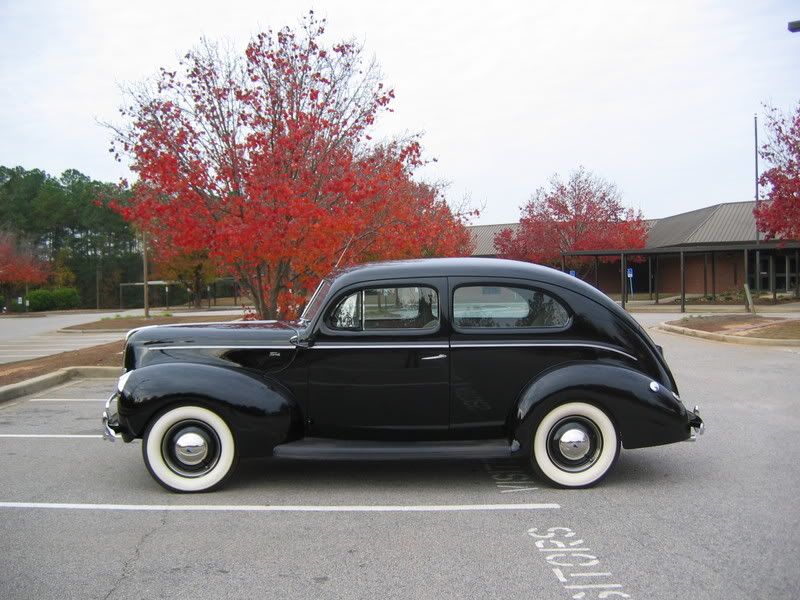
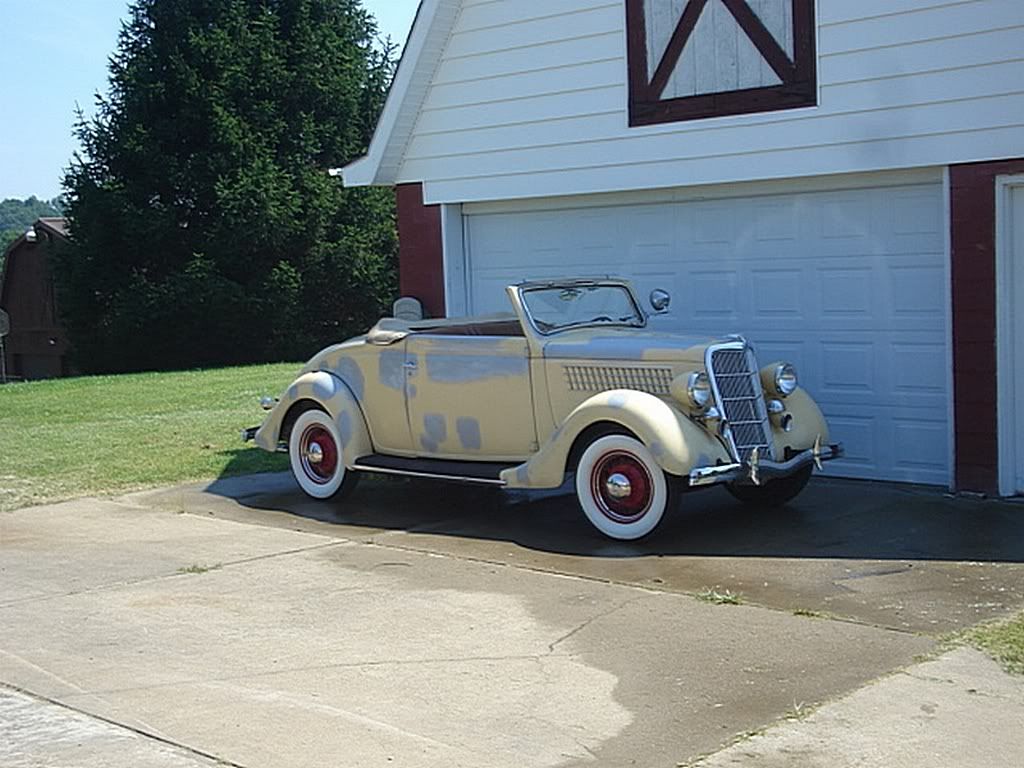
photos

Ray Parson

Well-known member
could i get help posting photos just walk me slow yes i know its been posted in the past but i cant find it thanks :confused:
 
Hi Ray,
I CAN'T DO IT EITHER!! SO GOOD LUCK. Think my problem is photo size but can't seem to fix it.
Not trying to be a wise-as_ but..
Do a Search this Thread( upper right side) when you first open this site and type in >>>>>>>>>ATTACHING PHOTOS

It was answered several ways when I asked.
Bruce/CT
 
Upload your pictures to an image hosting site where each will be assigned a unique IMG code. Then just include the IMG in your FordBarn post. I use PhotoBucket (www.photobucket.com). For example:
IMG_0442.jpg


P.S. It's free and there are no size issues.
 
Last edited:
i hope this helps, you have to do a advanced post , the deals that you click on on the bottom, then there is a paper clip that you need to click on on top with all that goofey stuff. then it will say browse, then right click where it says browse and go to where your photos are. then you right click on the photo,and then right click open then click on download. after you click on download you have to wate for it to download. i hope this helps, this is the way i do it . i tell my friends that coumputers are like driving diffrent cars, they all do the same thing but opperate diffrently
 

Attachments

  • 1a35342u_preview.jpg
    1a35342u_preview.jpg
    36.3 KB · Views: 32
  • edsel ford!.jpg
    edsel ford!.jpg
    223.7 KB · Views: 31
Upload your pictures to an image hosting site where each will be assigned a unique IMG code. Then just include the IMG in your FordBarn post. I use PhotoBucket (www.photobucket.com). For example:
IMG_0442.jpg


P.S. It's free and there are no size issues.

photobuckit is good for bigger photos, but first you need to learn how to use photobuckit, that can be hard but i learned how to do it, i manly use the way i discribed i think it is easyer, sorry for all the spelling mistakes, my spell check is messed up!...Brendan
 
If I run into a pic that is to large to post onto a site, I email it to "myself" then I download ( send it to a folder) into my "pictures" my pc automatically downsizes them for emails.
Good Luck
 
One cold rainy Sunday I made a vow that I was going to learn to post BIG pictures as I had seen on Fordbarn. And I did, thru trial and error. The preview option is great. If it doesn't post a picture, go back to the drawing board.

DaysOfSummer-2.jpg
 
You don't need a hosting place if the pictures are already on your PC's hard drive, you just need to re-size them. Easy, just transfer your pictures from your digital camera or flash memory, create a folder and name it, My beautiful Fathead, or whatever, then right click the picture and select edit, using Windows paint, click image, then stretch/skew, in both horizontal & vertical, change 100% to 25 or 30% then click OK, that will resize your picture to just about the perfect allowable upload size Ford Barn will allow, you can add quite a few pictures, about 10 I think.
 
Nobody mentioned taking pictures you plan to post at the lowest resolution setting for the camera (yeah, I know you can't plan everything in advance).

Charlie Stephens
 
Back
Top