For all the photo resizing challenged

mrtexas

Well-known member
I've used this handy little free utility to resize the pictures to a smaller size I post here for many years. It takes at most 5 seconds to do.

http://www.hamrick.com/upg.html

It is extremely easy to use. To resize all you have to do is File; Resize or cntrl Z. I challenge anyone to find an easier picture modifying program.

You can also reverse, crop, flip and do some modifications. Can't add text tho. To look at other pictures in the same directory just hit spacebar.

You can also print pictures as well.
 
another way is to right click on the image...then send to..the email recipient. then select a smaller size. Save the image from the email..bob's your uncle...fwiw,jm
 
another way is to right click on the image...then send to..the email recipient. then select a smaller size. Save the image from the email..bob's your uncle...fwiw,jm

I hadn't tried that! Works good, but I like this program to crop and rotate if necessary.
 
when I checked on the site, it called for a serial number with a blank window. what do you do with it?

P.S. Understand, I'm old......................:confused:
 
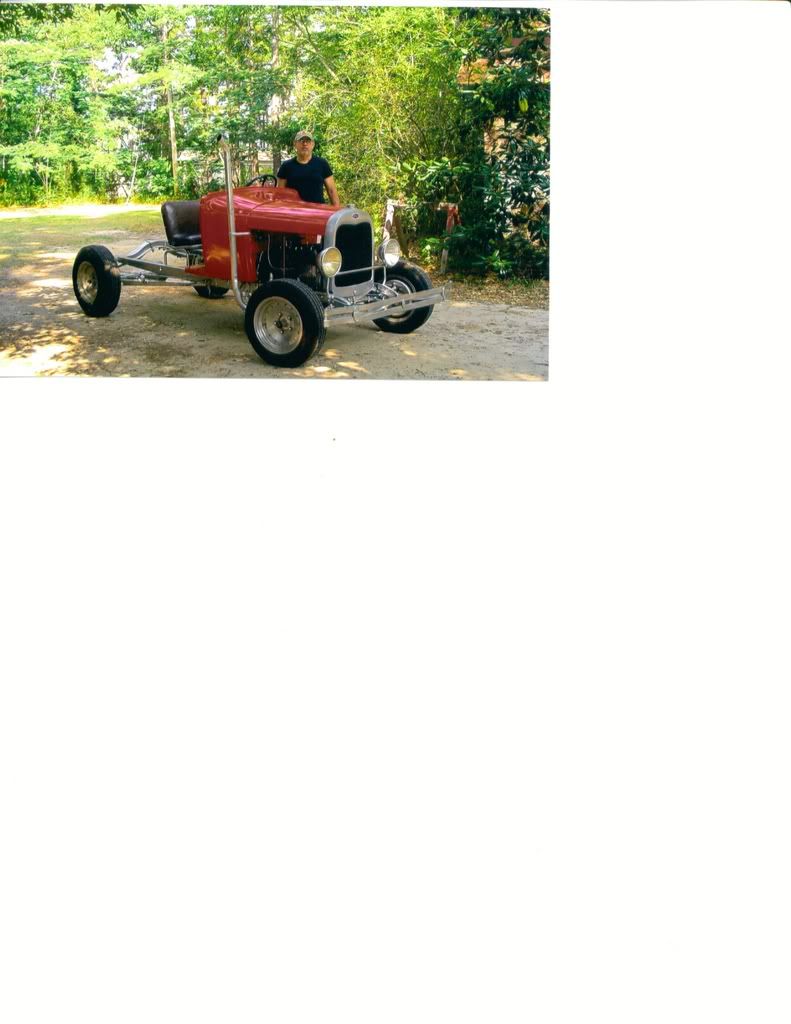
I can post pictures with messages, Here I am with my sept. 29 that i've had since the spring of 1960. I'm still having problems getting a picture in my avatar.
Sept.29witTim.jpg
 
when I checked on the site, it called for a serial number with a blank window. what do you do with it?

P.S. Understand, I'm old......................:confused:

The instructions say:

VuePrint will run - use 15551888 for the serial number
 
I have very good results with " Picasa " from Google " Give it a try and you will be very happy.
 
Here are the steps I use to resize images with Microsoft Paint (free in Windows):

1. Open the image in Microsoft Paint (right-click and choose Open With...)
2. Choose Image Attribues to get the current size, then click Cancel
3. Divide the desired size by the current size to get a percentage
4. Choose Image Stetch/Shew
5. Enter the percentage to shrink the image, then click OK
6. Choose File, Save As to save the image with a new name
 
I've tried all the other ways mentioned above. My point is VuePrint is so much easier and simple to use than the rest. All will work however and it is a personal preference! I prefer VuePring!
 
Back
Top