

IMoveMetal
Junior Member
Summary
Testing examples to show the same image at different sizes in forum posts.
Resize an image, just add `&width=###` to the end of the image URL.
Replace the ### with any number of pixels you want (100, 200, 400, 600, 800, 1200, etc.).
- The first example shows the full-size image with no changes.
- The following examples show the same image resized using different `&width=` values.
- Each section includes the exact syntax used
---
Testing Picture Sizes (with syntax)
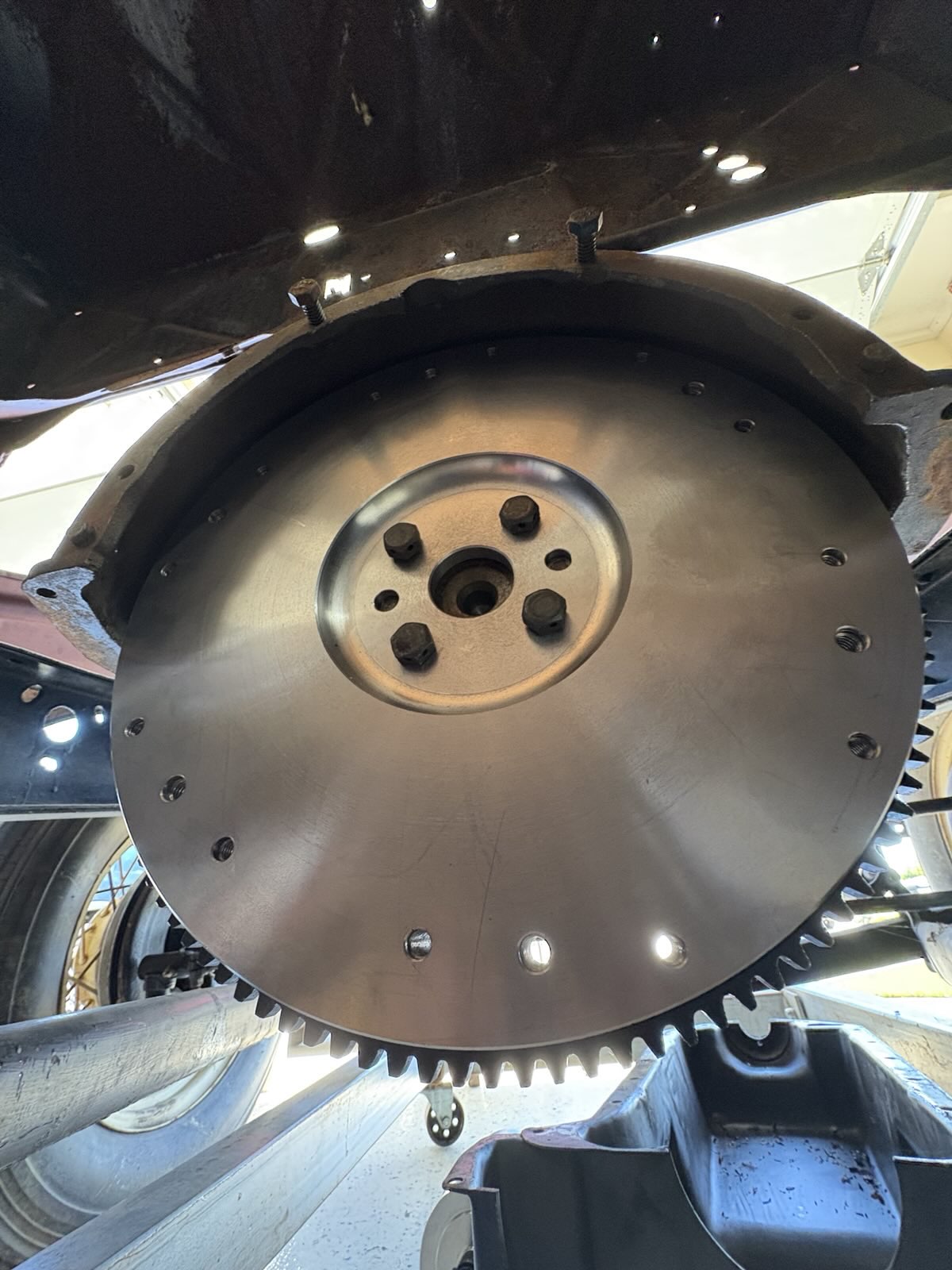
Full size (default, no width parameter)
Syntax:

---
800px wide
Syntax:

---
400px wide
Syntax:

---
200px wide
Syntax:

---
100px wide
Syntax:


Testing examples to show the same image at different sizes in forum posts.
Resize an image, just add `&width=###` to the end of the image URL.
Replace the ### with any number of pixels you want (100, 200, 400, 600, 800, 1200, etc.).
- The first example shows the full-size image with no changes.
- The following examples show the same image resized using different `&width=` values.
- Each section includes the exact syntax used
---
Testing Picture Sizes (with syntax)
Full size (default, no width parameter)
Syntax:
---
800px wide
Syntax:
---
400px wide
Syntax:
---
200px wide
Syntax:
---
100px wide
Syntax: